PlayRent

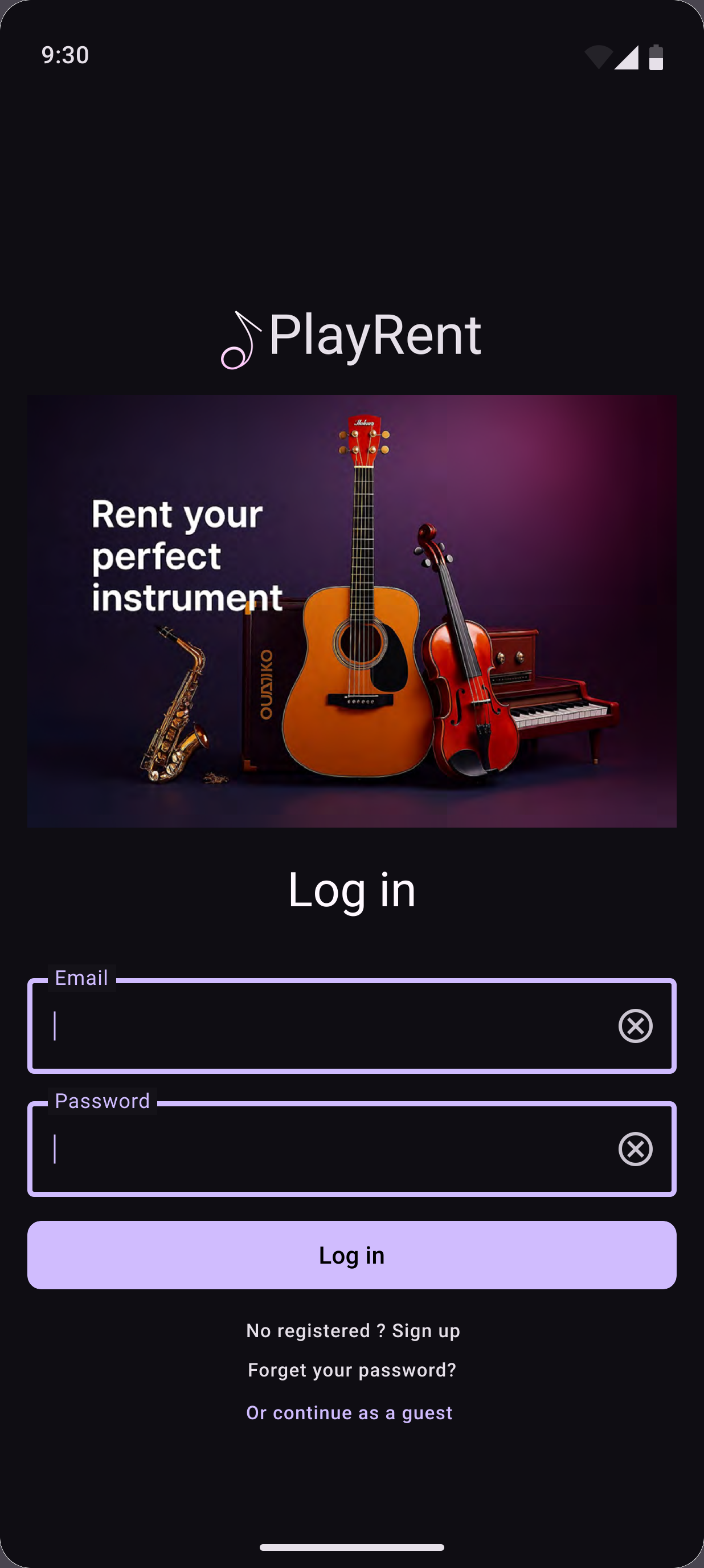
Rent, lend or trade instead of buying
PlayRent was a home exam for the course Mobile Computing — Design and Implementation at Chalmers. The task was to design a mobile app in Figma by applying Material Design 3 (MD3) principles and components correctly and consistently.
I designed PlayRent, a platform where musicians rent, lend, or trade instruments instead of buying gear they'll only need for a while. The flows cover browsing and searching for an instrument, checking availability, booking it, and publishing an instrument to lend out.
A walkthrough from browsing to booking
A walkthrough of the full app, from browsing an instrument to booking it.
Following a system, adapting where needed
MD3 shaped every screen — its components, typography, colour system, elevation, and navigation patterns. Where the standard components didn't quite fit what PlayRent needed, I adapted or built new ones.
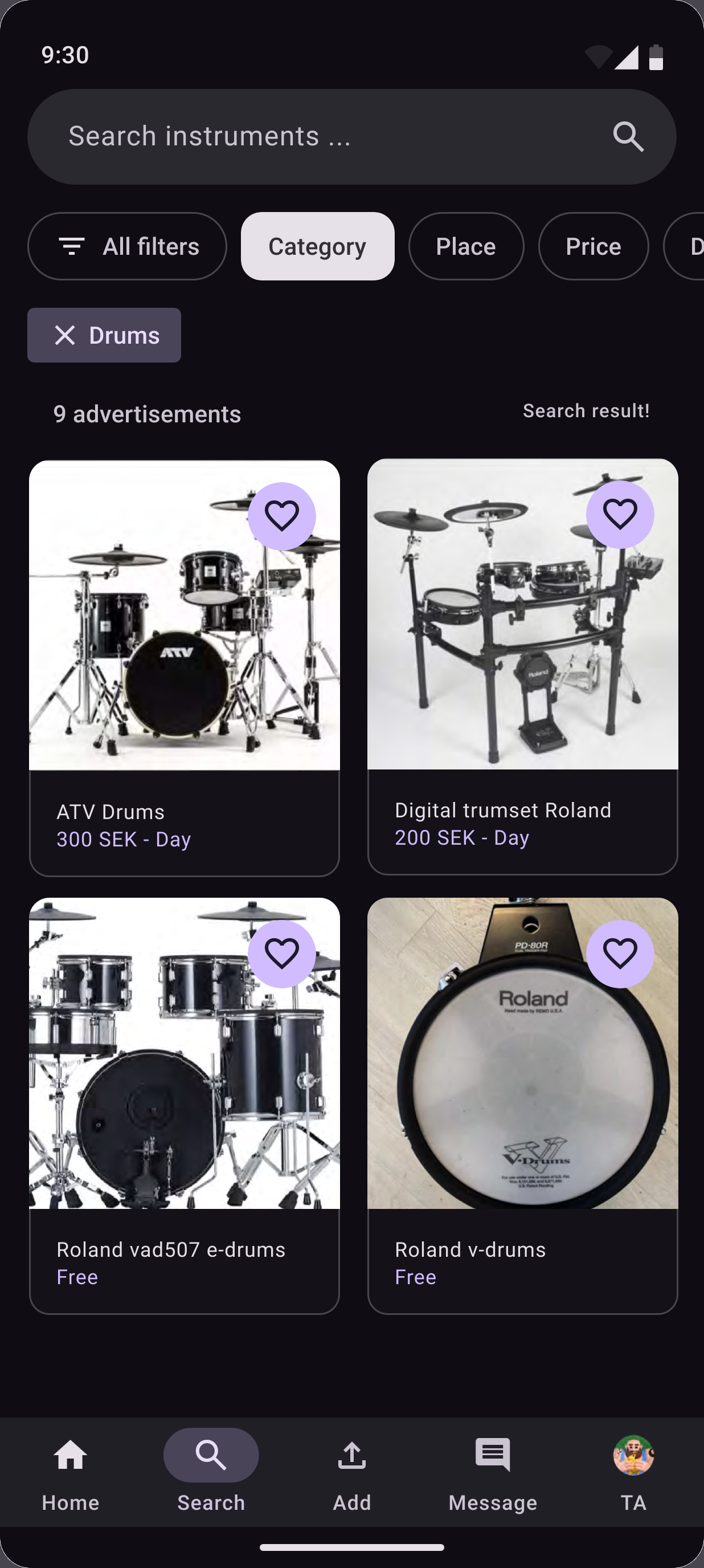
Browse, search and filter
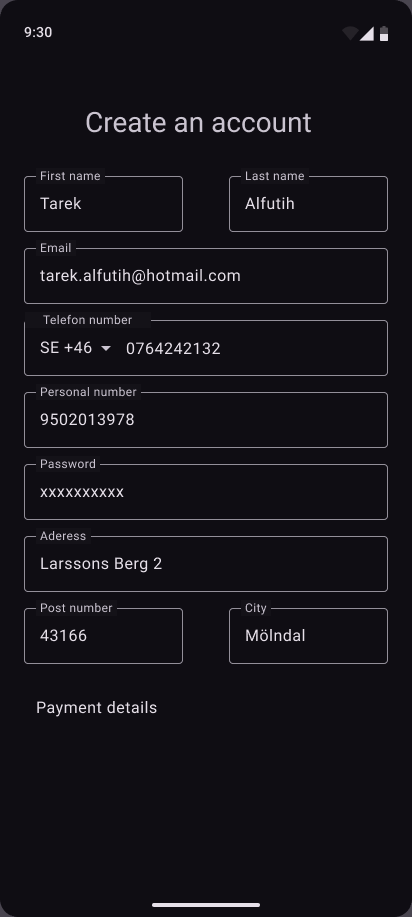
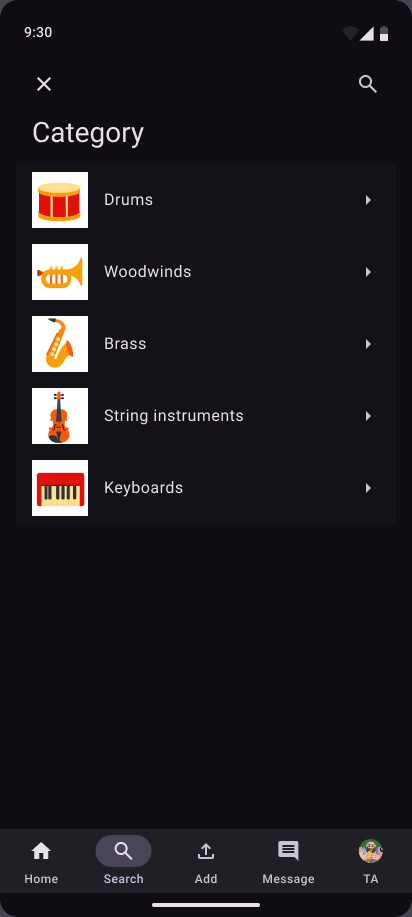
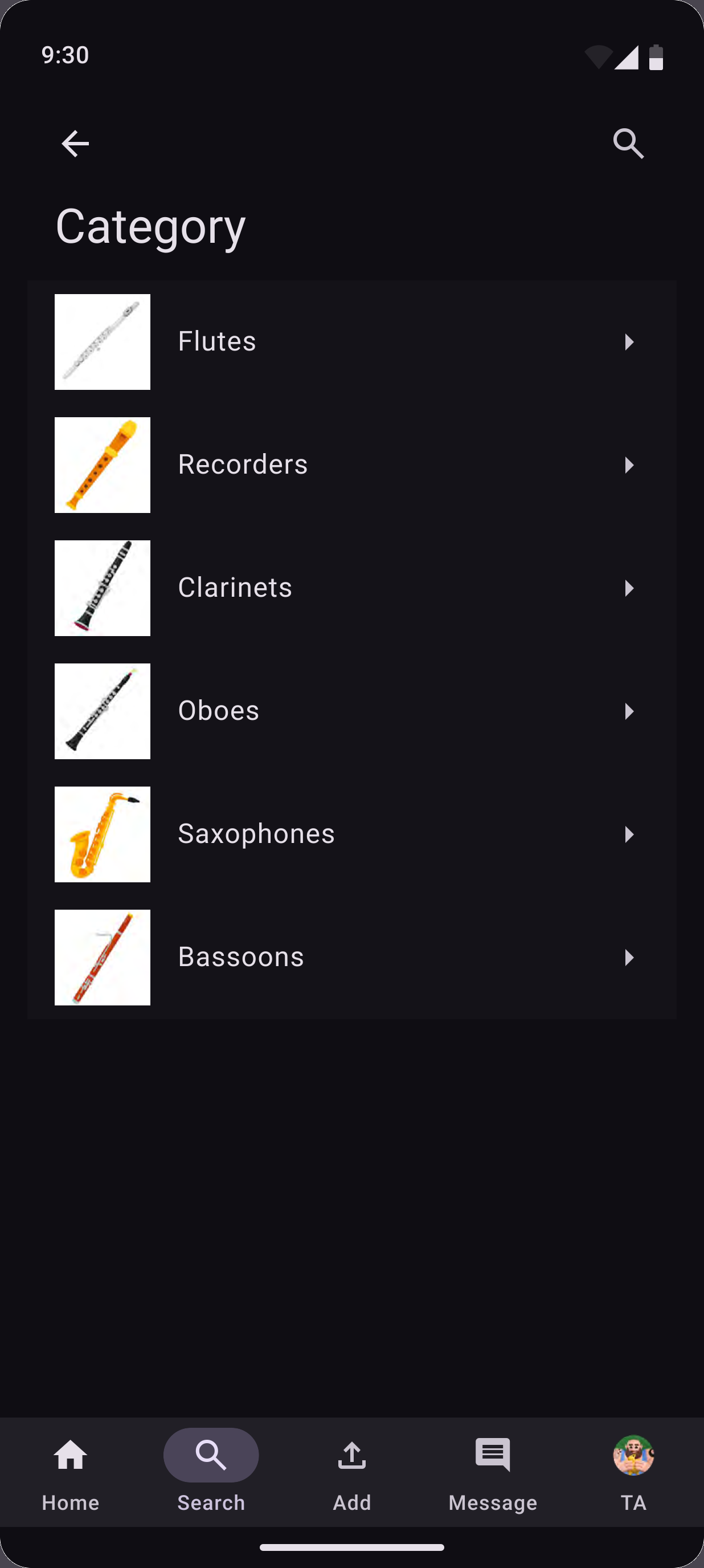
Musicians log in or create an account, then browse categories, search, and narrow results down — by category, place, price, date, or free/trade items.
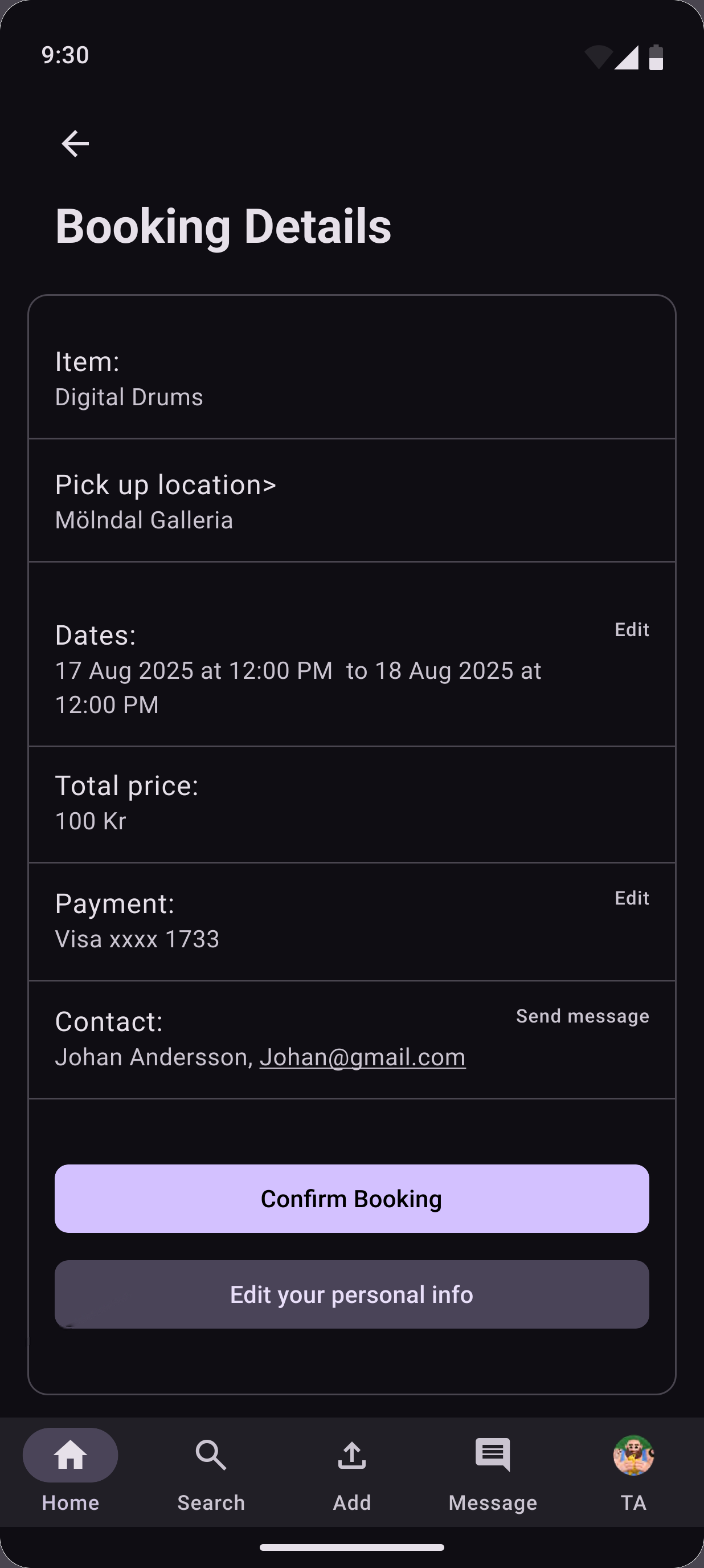
Pick dates, review, confirm
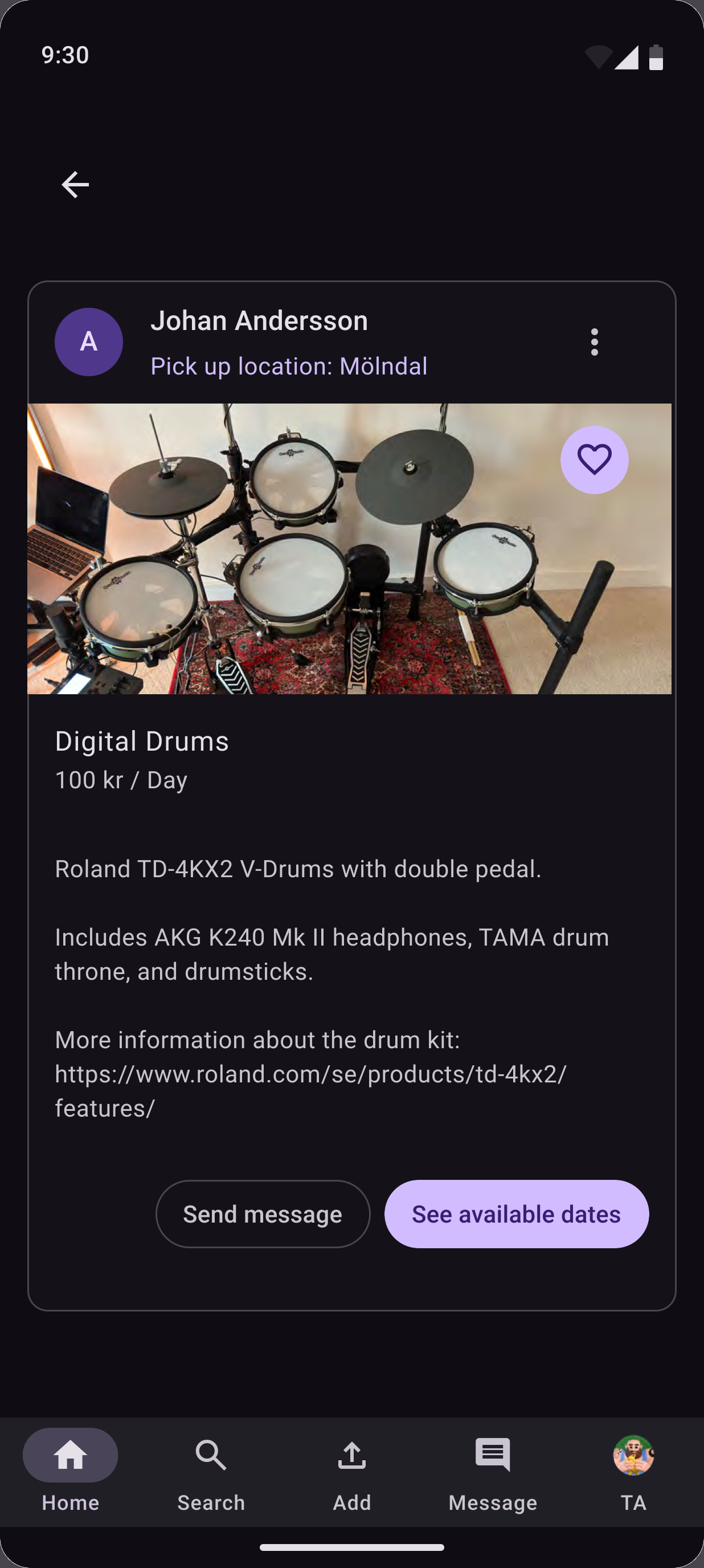
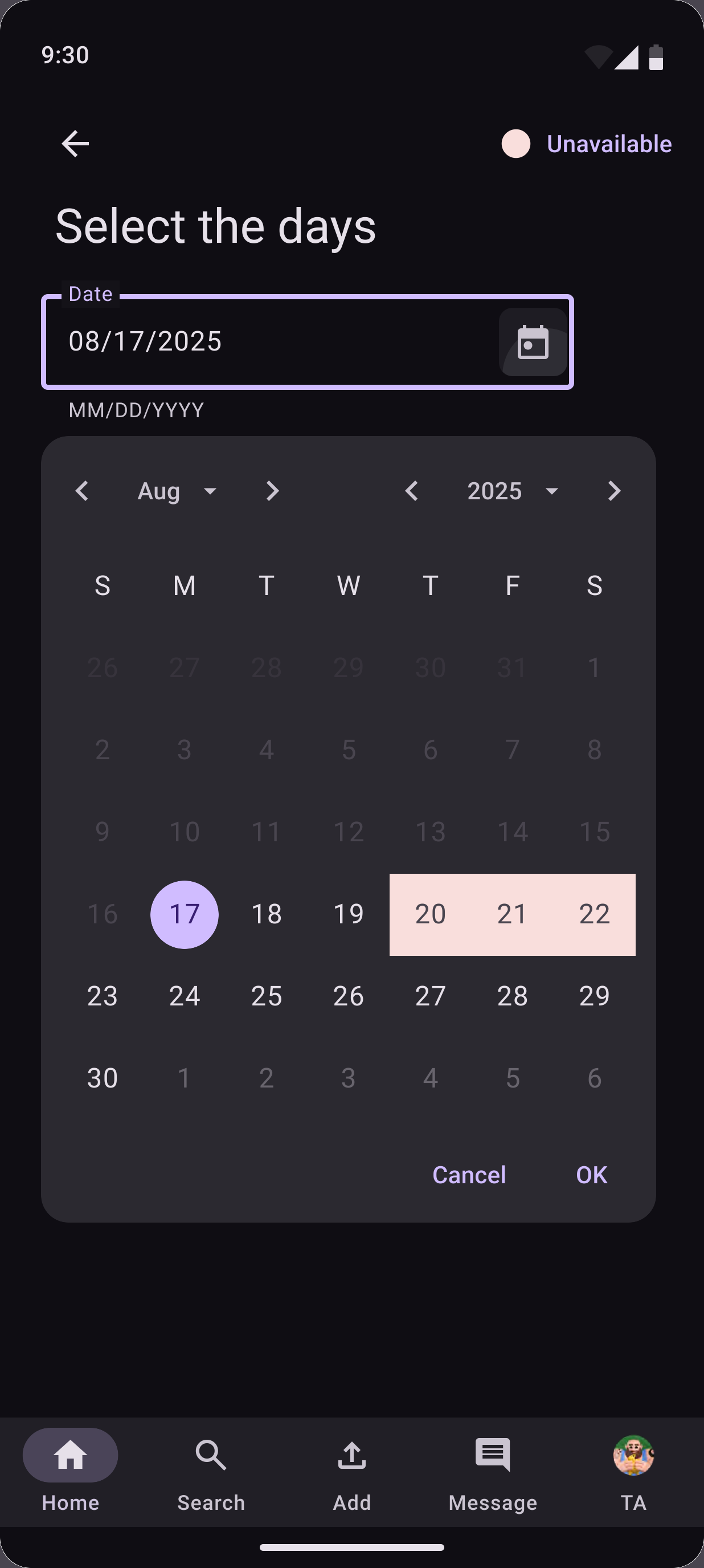
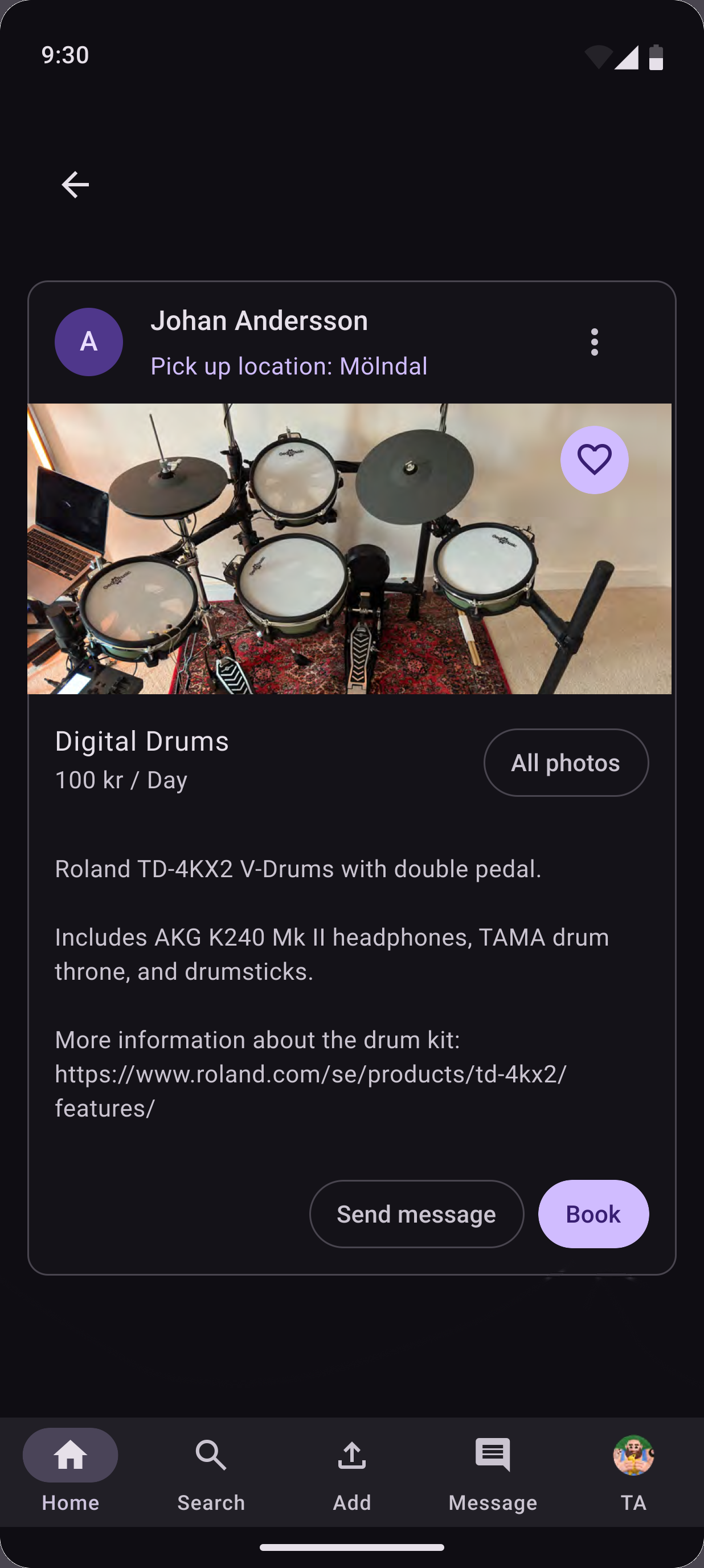
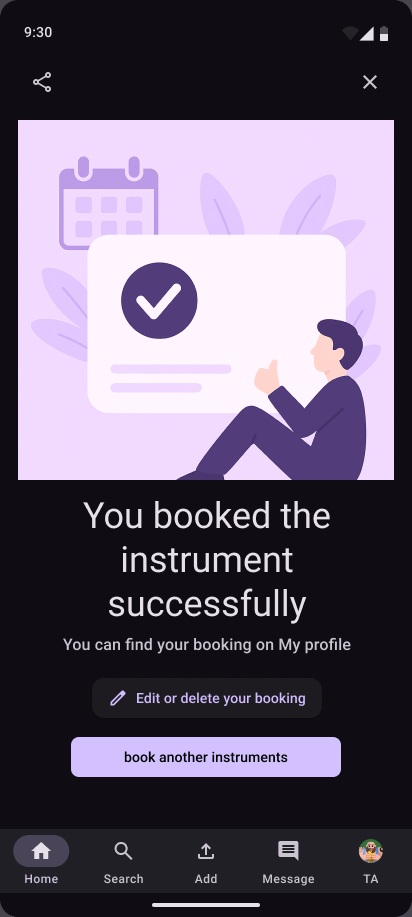
Once a musician finds an instrument, they check the available dates, pick one, review the booking, and confirm it.
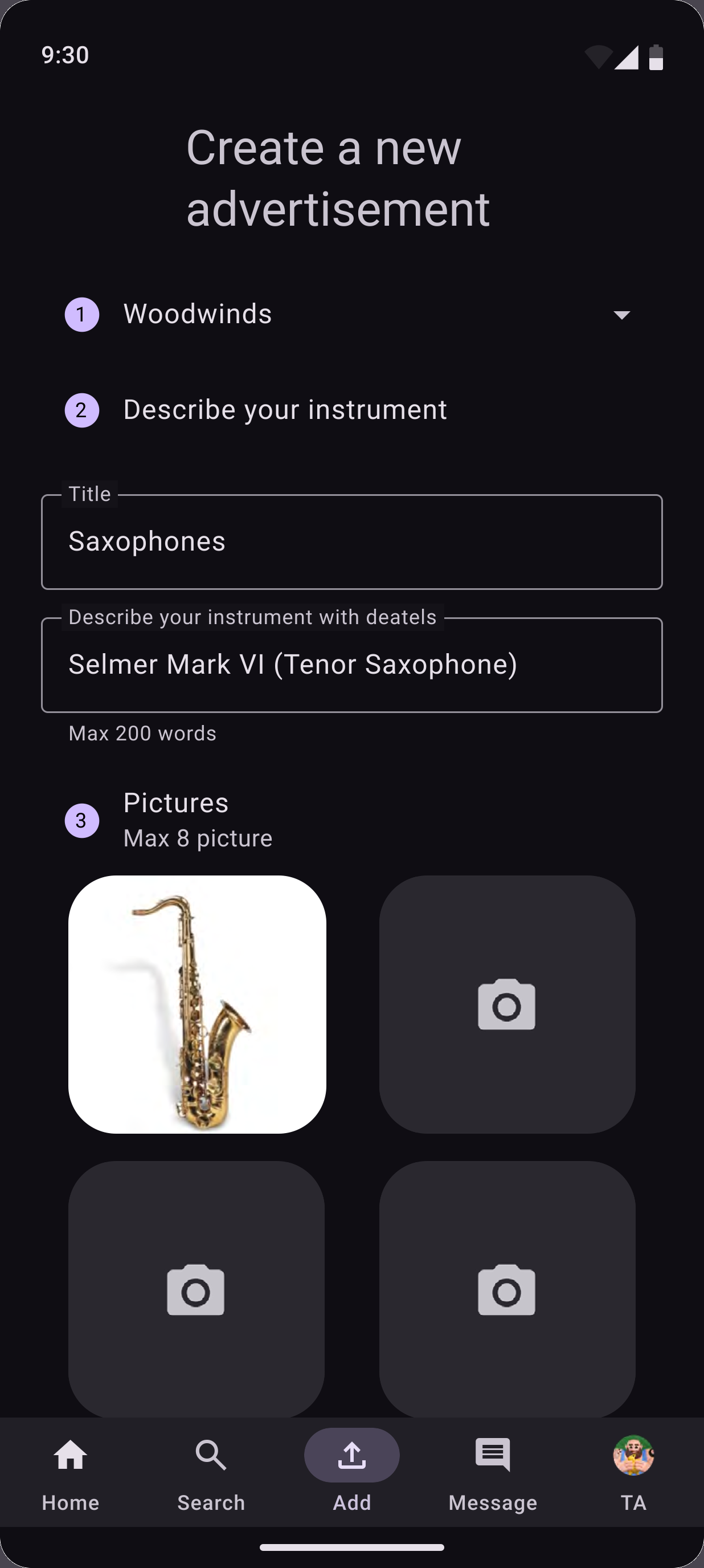
Musicians can lend their own gear
PlayRent works both ways. A musician can also publish an instrument they own for others to rent.
The pieces used most, and the app's structure
The components I worked with most, and the app's structure — a bottom navigation bar carrying the five main destinations, following MD3's guidance for primary app-level navigation.
- Bottom navigation bar
- Filled & tonal buttons
- Filter chips
- Outlined text fields
- Cards
- Date picker dialog
- Icon buttons
- Status dialogs
Documenting the system for developers
Alongside the interface, I wrote a 29-page Design & Developer Guideline documenting how PlayRent uses Material Design 3 — colour system, typography, grid and spacing, components, and the composition and interaction behaviour behind each screen — to support consistent implementation.
Colours, typography, the MD3 grid, and spacing are documented against the app's dark-mode M3/sys colour scheme, with a layout grid placed beneath every screen to keep alignment consistent.
Each screen is broken into purpose and composition — for example, how the Docked Input Date Picker component from MD3 was edited and applied to PlayRent's booking calendar.
Filter states are specified in detail — active filters show as feedback buttons under the filter bar, and selecting "free price" hides the price slider entirely.
Every flow — log in, browsing, booking, publishing an ad, editing a profile — is documented with its purpose and exact composition, screen by screen.
Speed from components, care with the rules
I learned how Material Design components can make the design process faster. At the same time, I learned the importance of following the MD3 guidelines to keep the interface consistent and get the result the design system is made for.