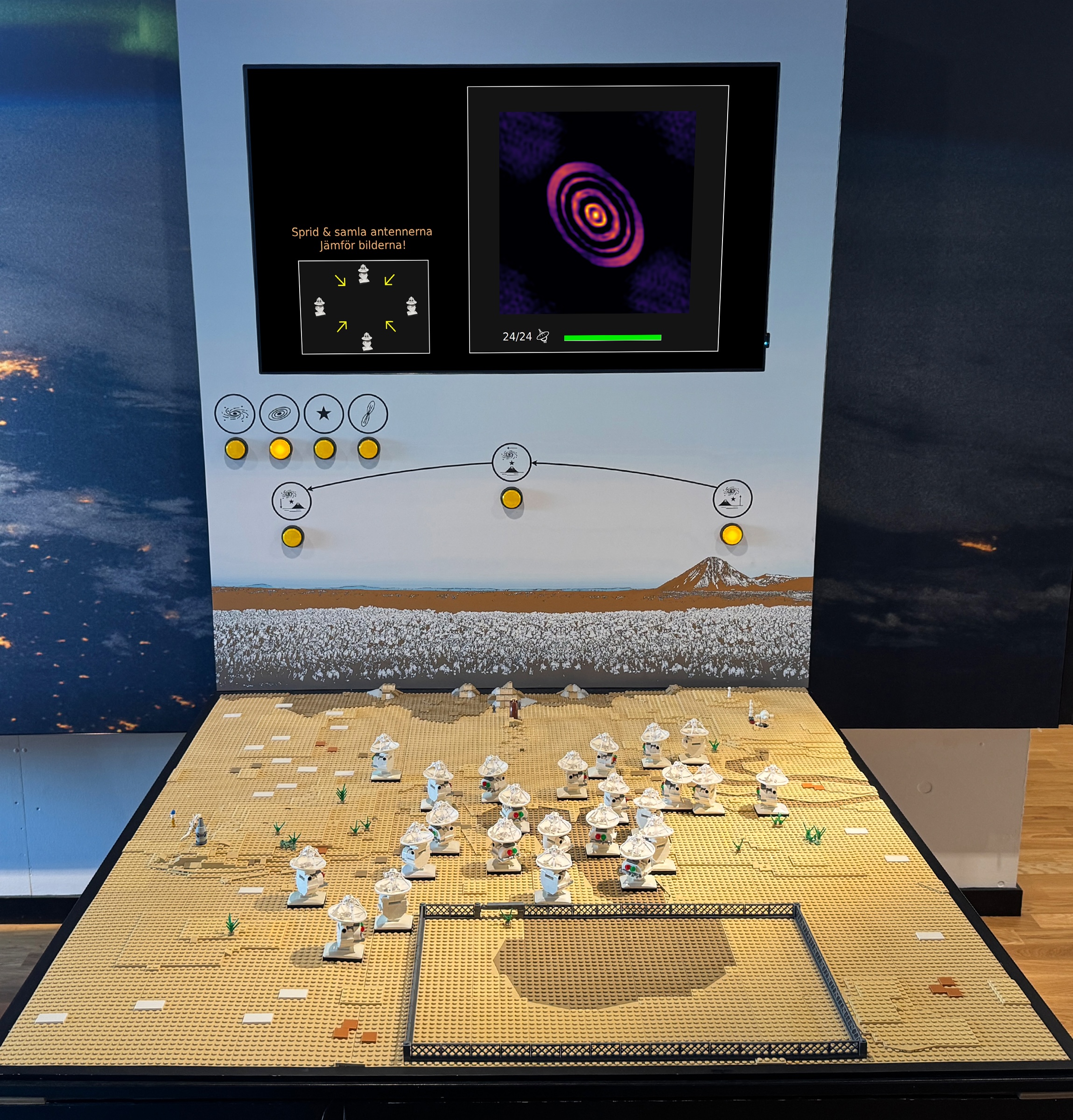
An installation that needed a guide
LEGO ALMA is a LEGO model of the ALMA radio telescope at Onsala Space Observatory, built to demonstrate radio interferometry. Its original design relied on a guide standing beside it to explain the unintuitive on-screen graphs, so visitors exploring on their own — especially the 12–18 age group the center wanted to reach — struggled to understand what it was showing or what to do.
The brief: redesign the installation so a broader, unsupervised audience could use it on its own, without losing the complexity of what it teaches.
What are key factors to consider when improving accessibility and engagement in a tangible user interface aimed at science communication?
My individual contribution — Illustrations & animations
Adam — Programming & implementation (Python)
Shared — Research, ideation, Figma prototyping, user testing, evaluation & iteration
What we heard and saw on site
Stakeholder interviews
Interviews with Onsala's astronomer and exhibition designer: the installation depends on a guide, and its mixed-age audience makes one universal design nearly impossible.
Field study at Universeum
Field study of comparable science-center exhibits, to see how they handled complexity for young audiences.
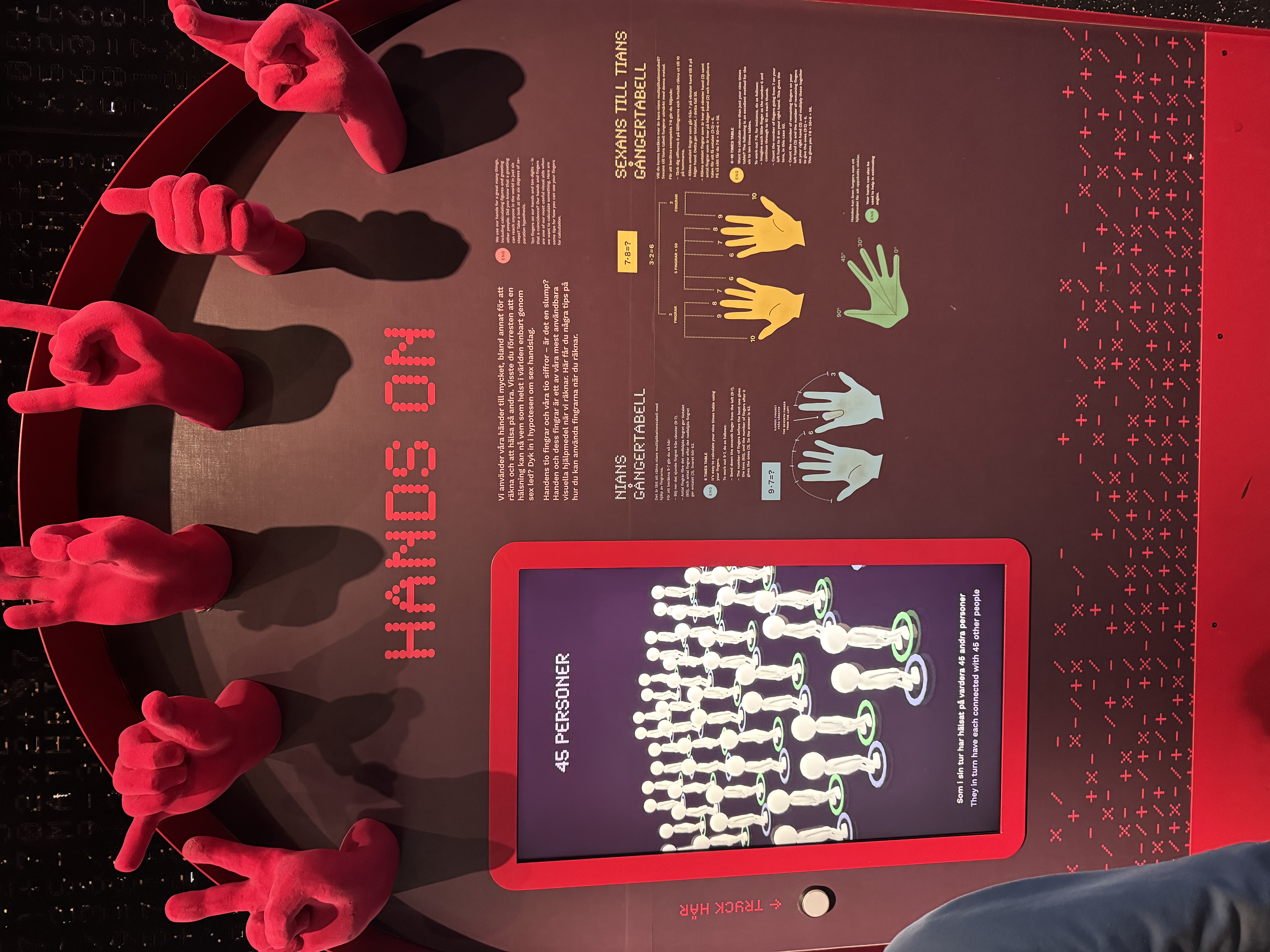
Hands-on math installation
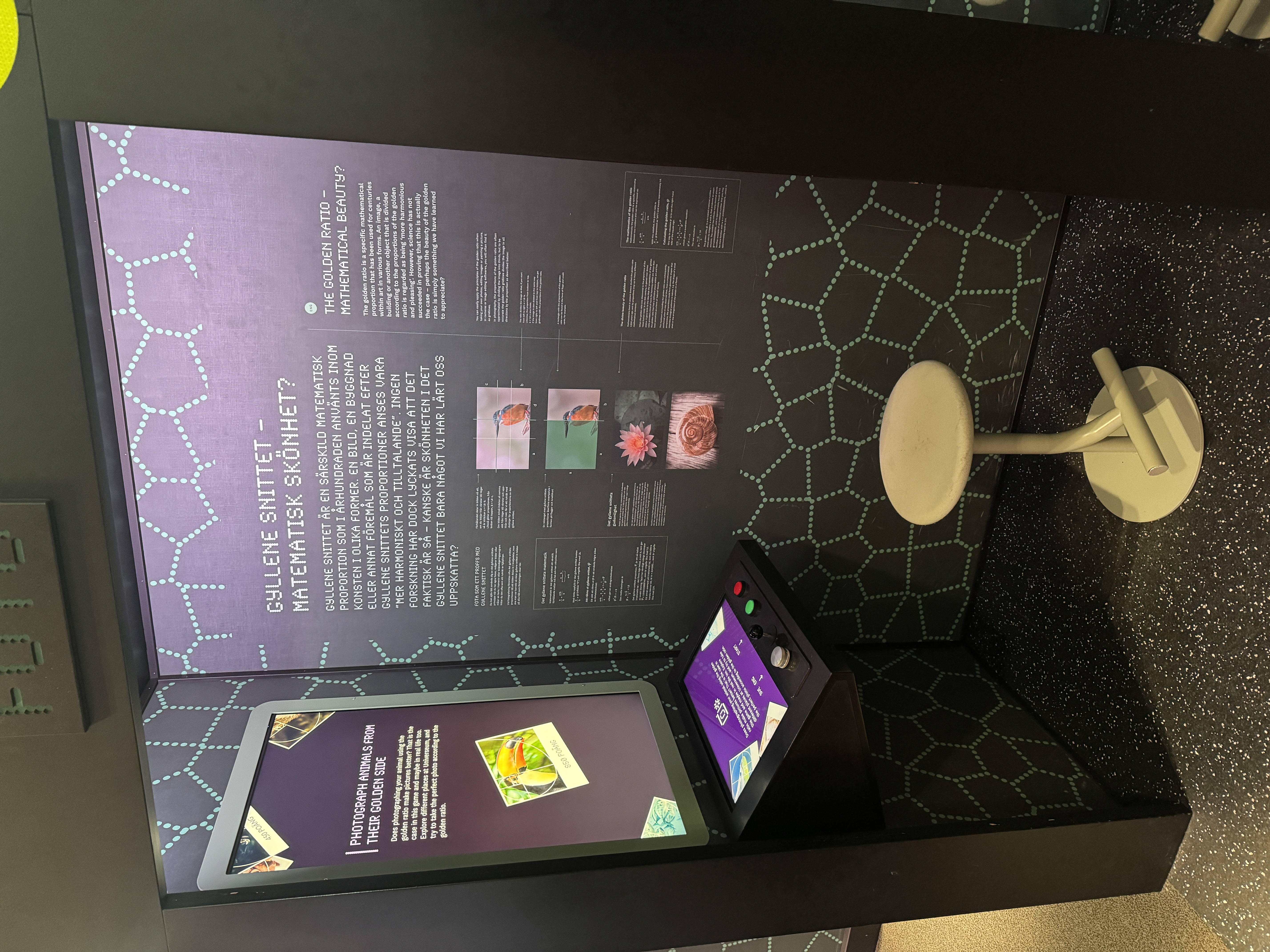
Golden ratio installation
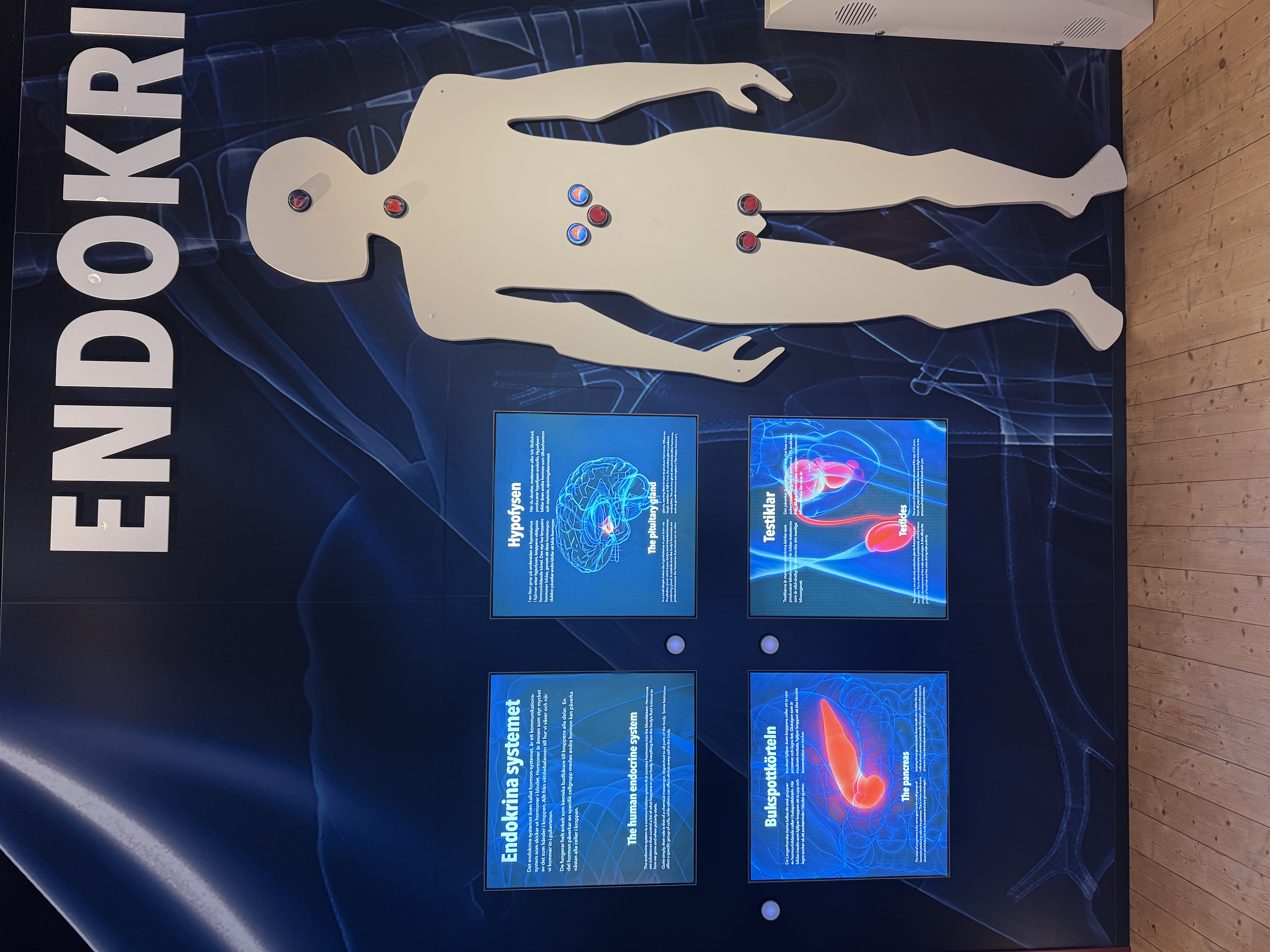
Endocrine system wall
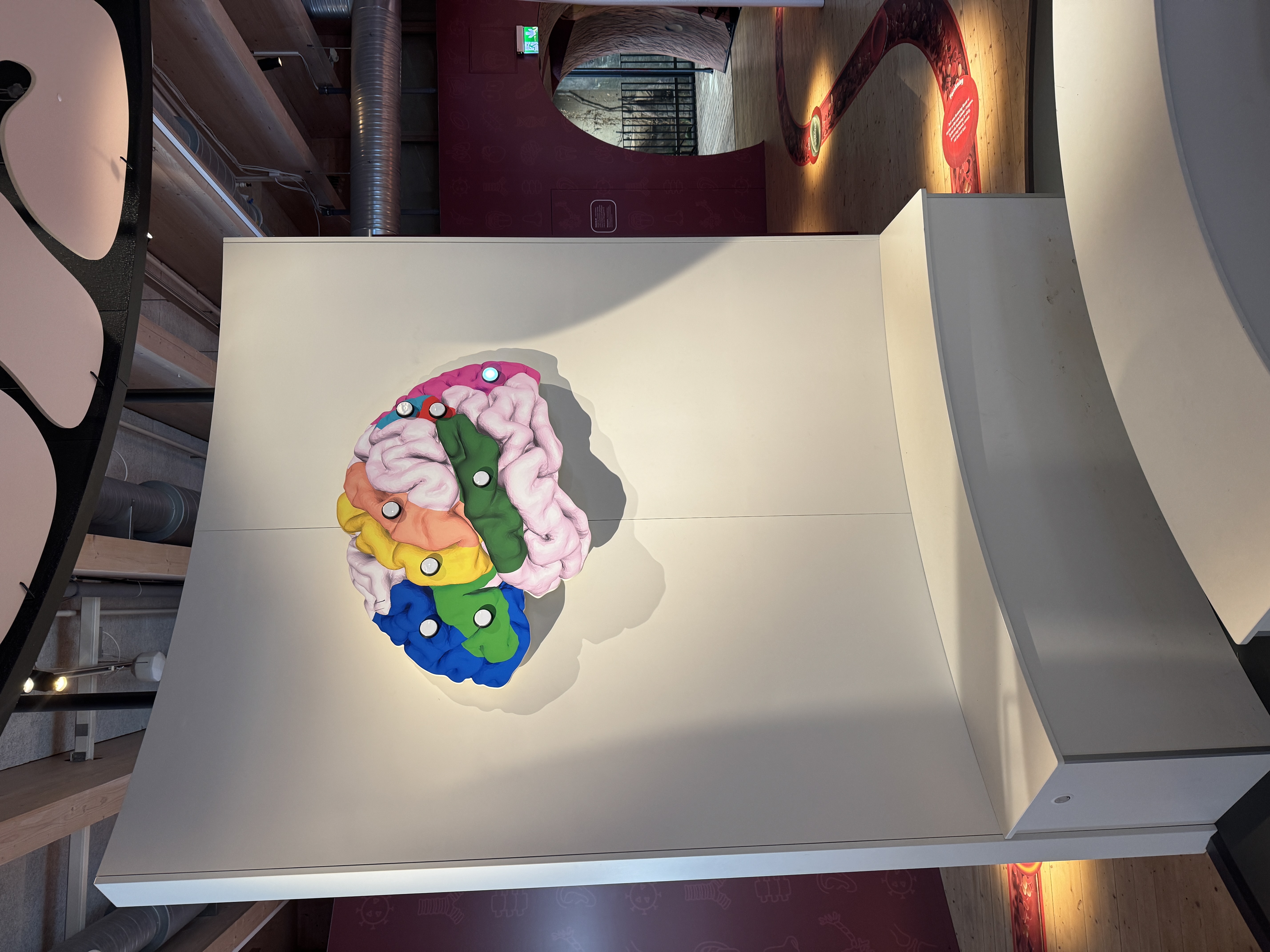
Brain slice, highlighted areas
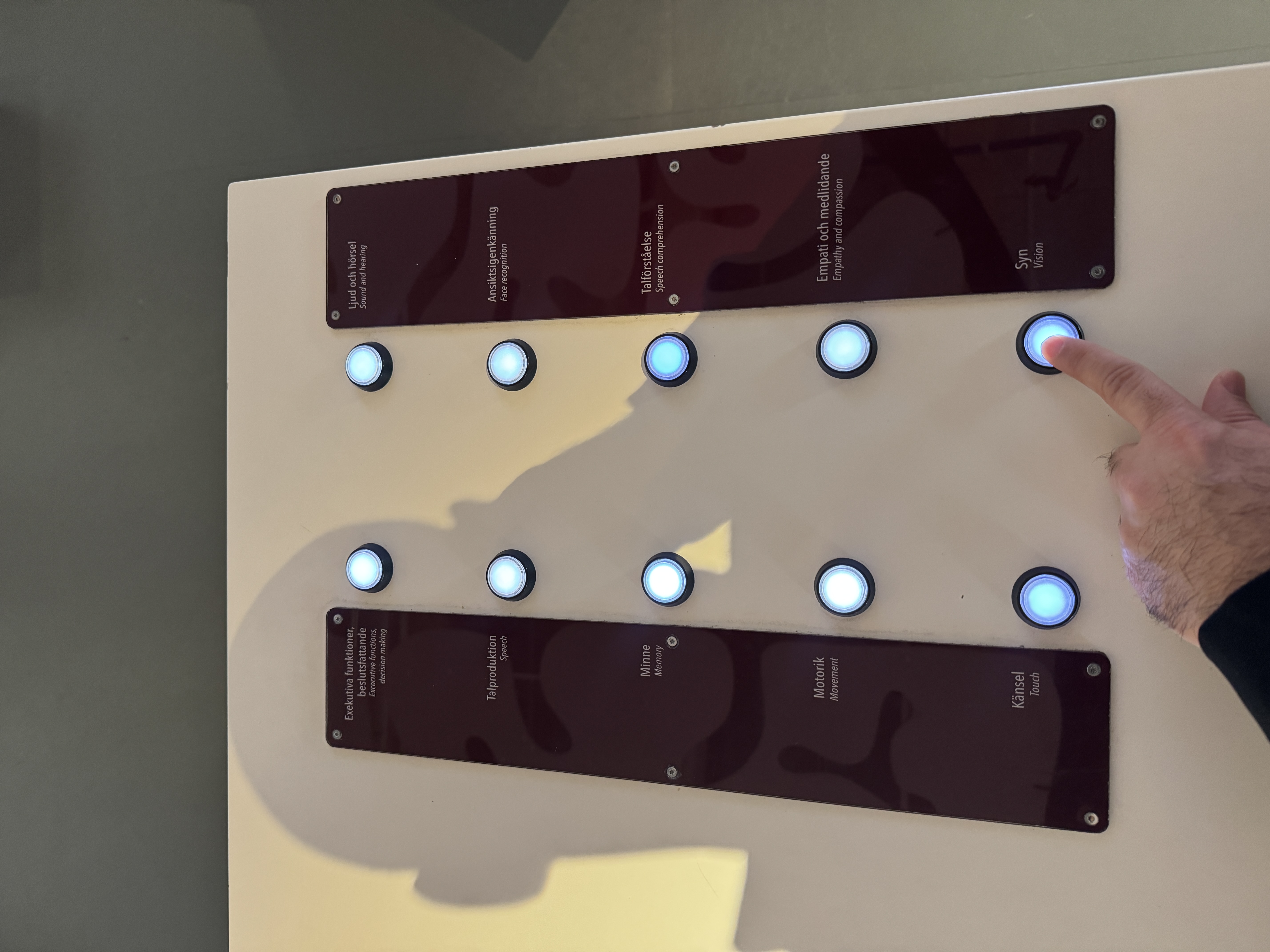
Buttons for the brain lamps
Initial observations
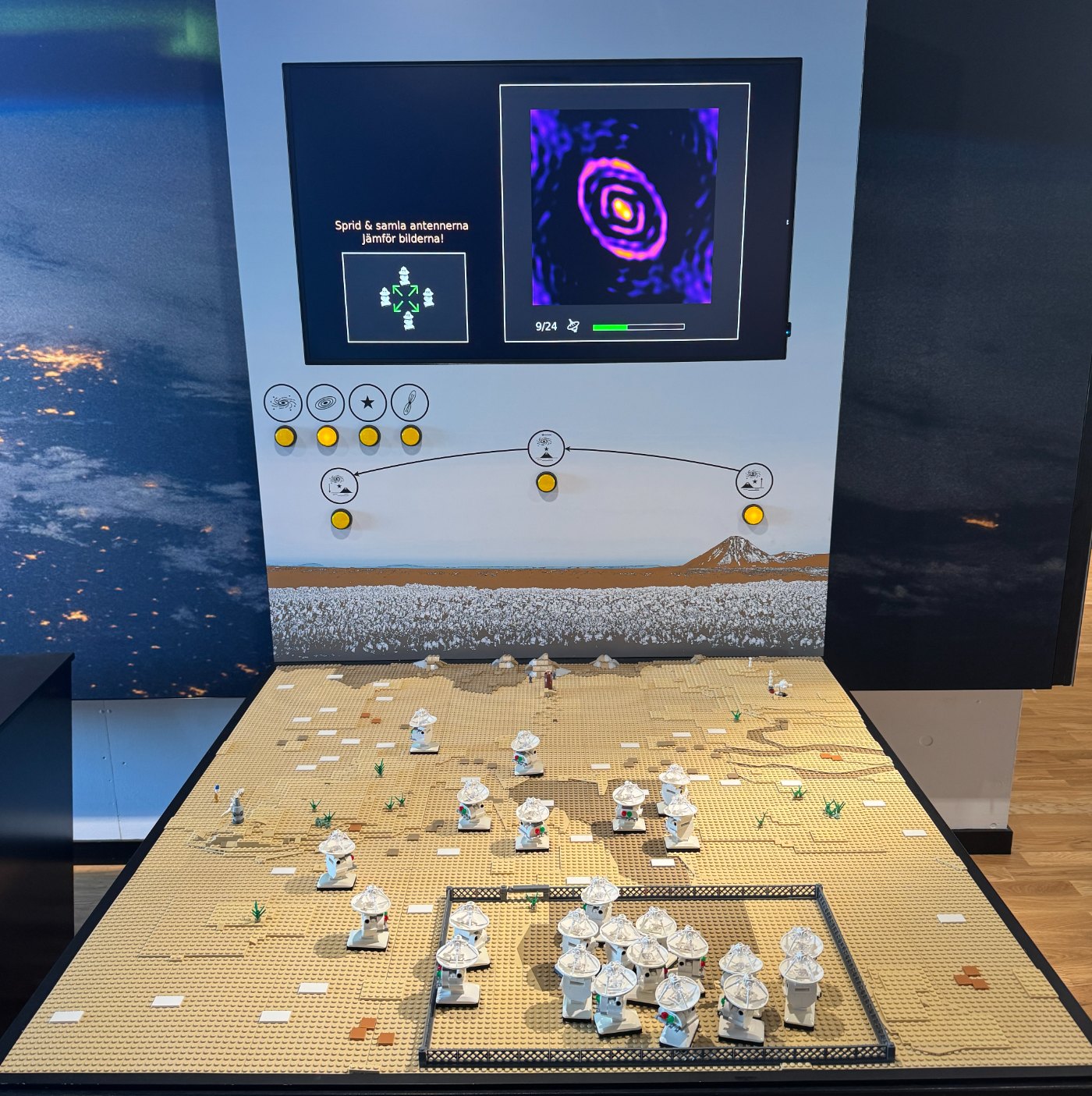

The original LEGO ALMA installation consisted of three main parts:
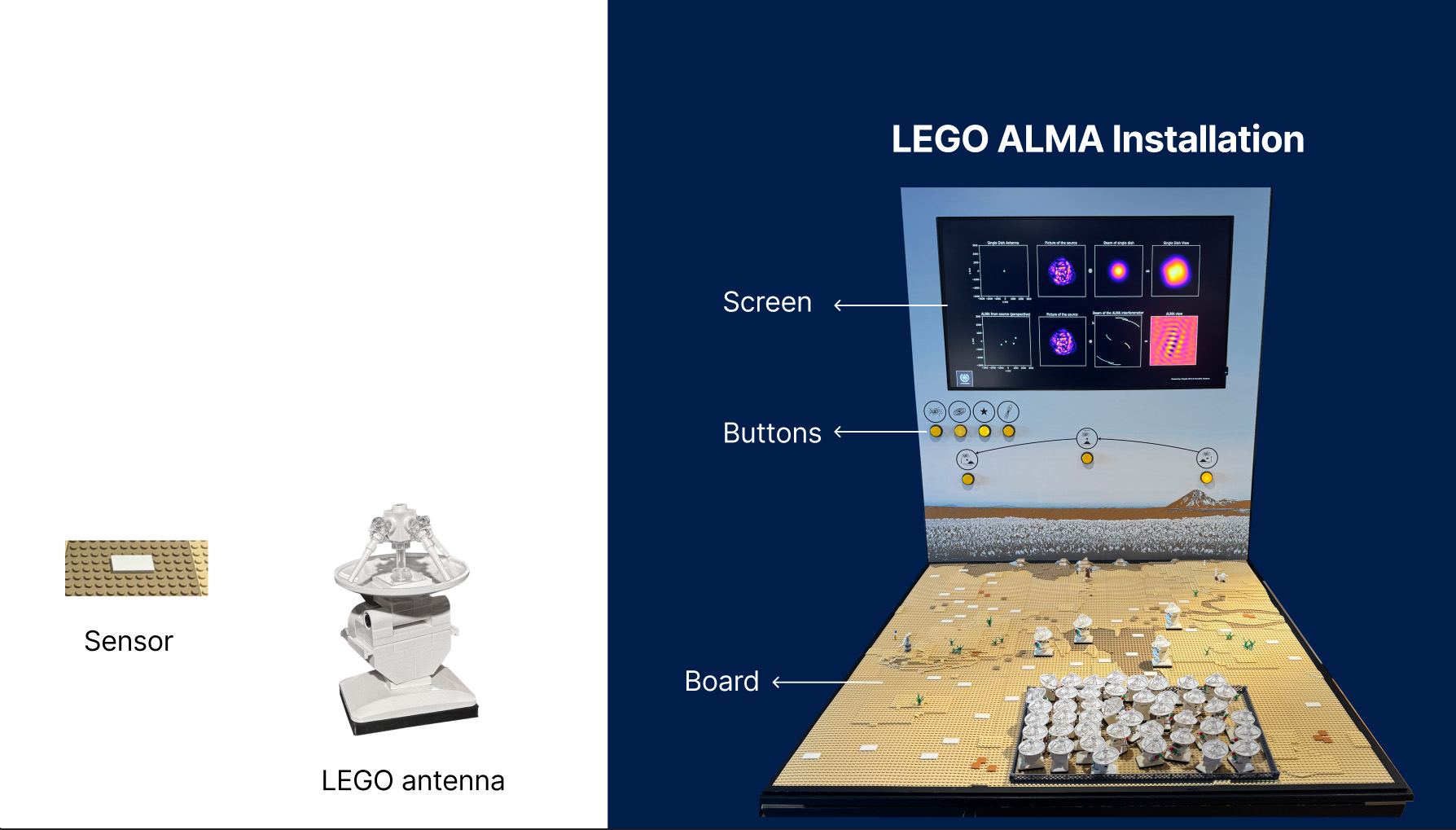
Screen
Displayed eight graphs showing antenna positions, the observed object, interferometer beam, and resulting ALMA image.
Physical buttons
Four object buttons and three viewing-angle buttons.
LEGO board

LEGO antennas and white magnetic sensors.
Observing visitors at the original LEGO ALMA installation
- Most didn’t know where to start.
- The on-screen graphs were difficult to understand on their own.
Learning by building and testing
Research through Design was used because the research question could not be answered through theory alone. We needed to design and test the installation to understand what worked in practice.
An iterative process helped us improve the design step by step. We developed low-, mid-, and high-fidelity prototypes, tested them with users, and used what we learned from each round to guide the next design.
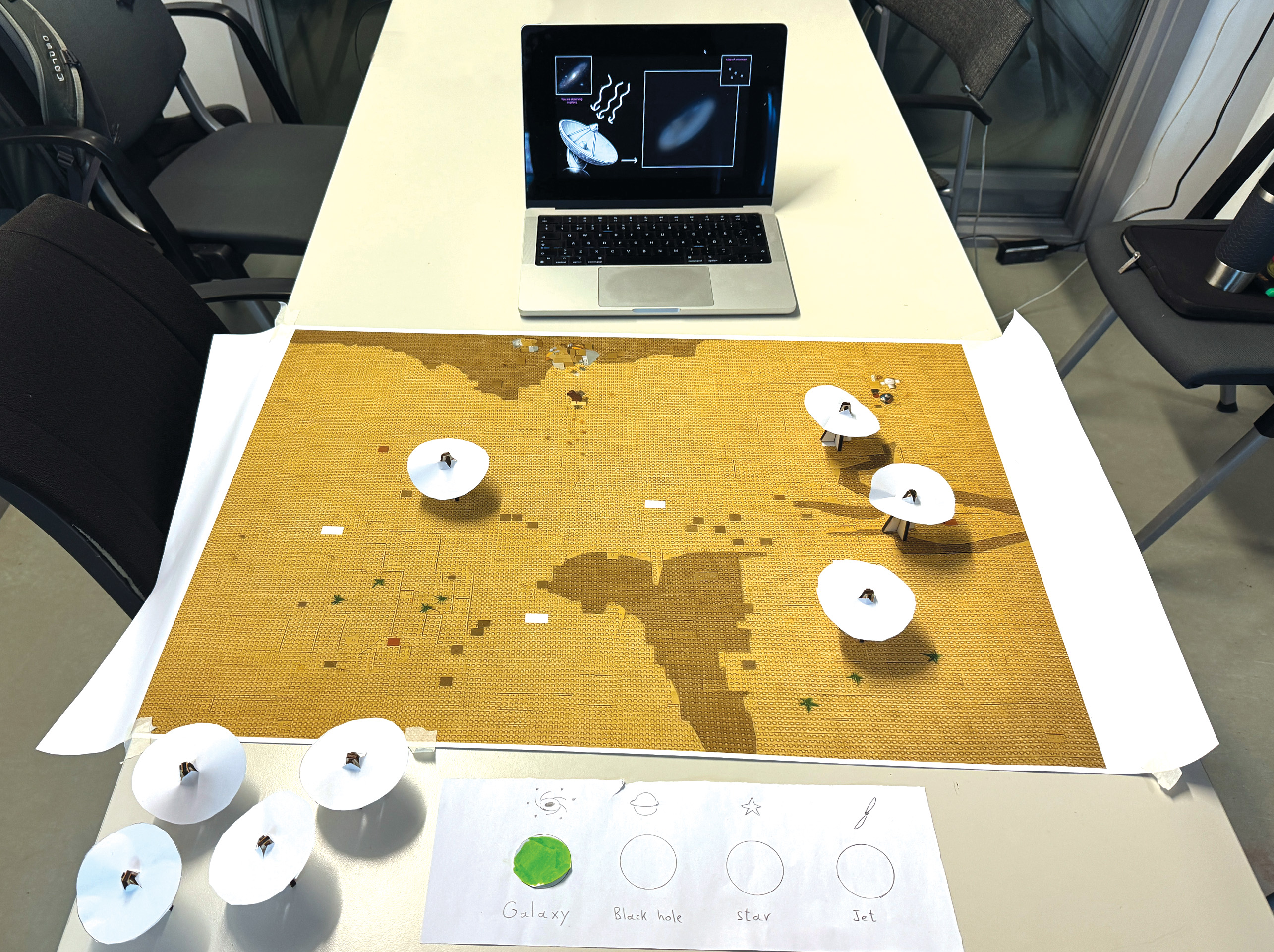
Paper, wood and wireframes
Tested with six students and an external mentor. Reducing visual complexity increased curiosity, but the antenna-placement instructions were easy to miss.
A Figma UI on the real installation
Tested with children across four iterations. Simplified the interface to encourage exploration, and added an antenna counter and placement animation to provide clearer feedback.
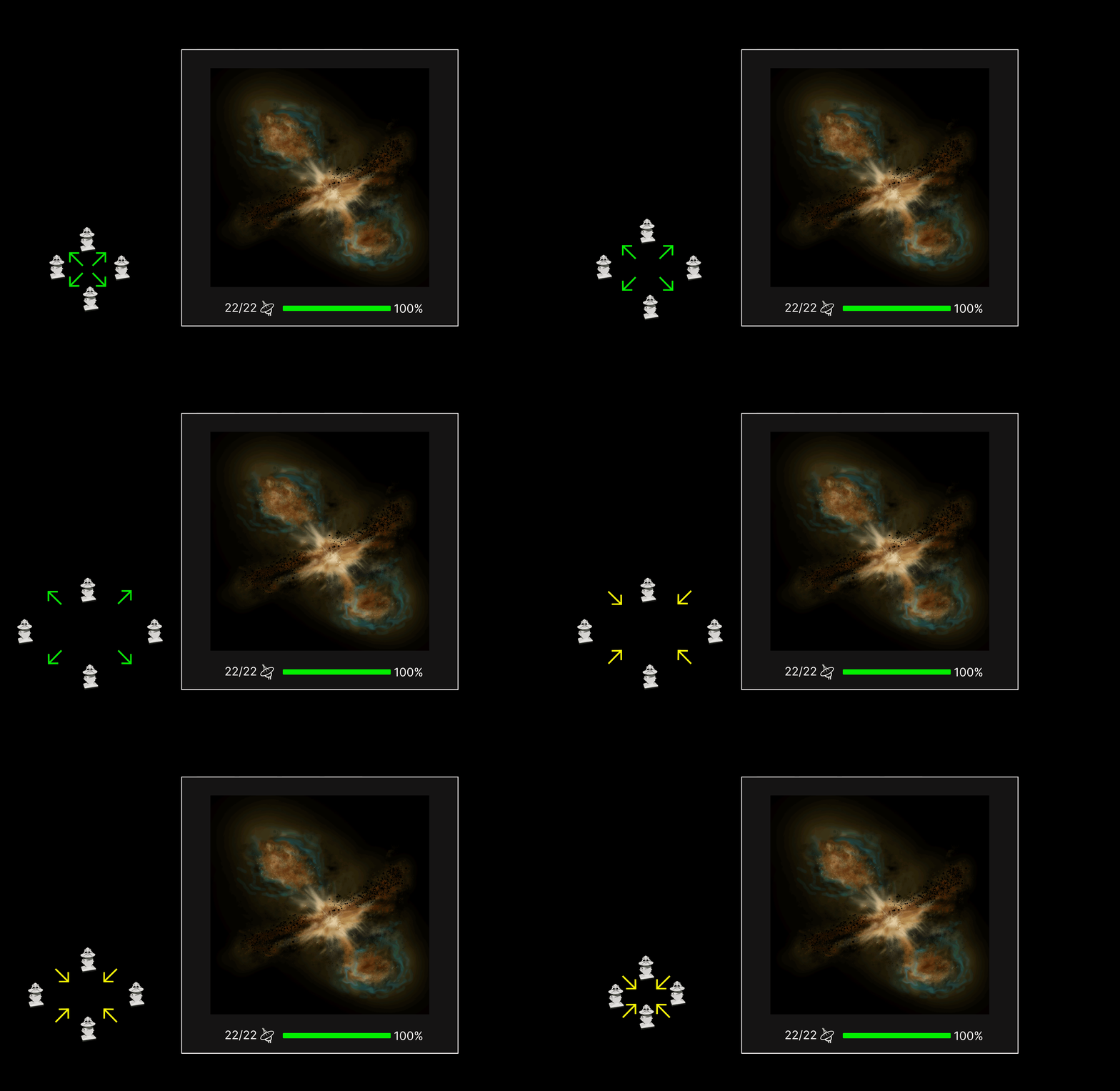
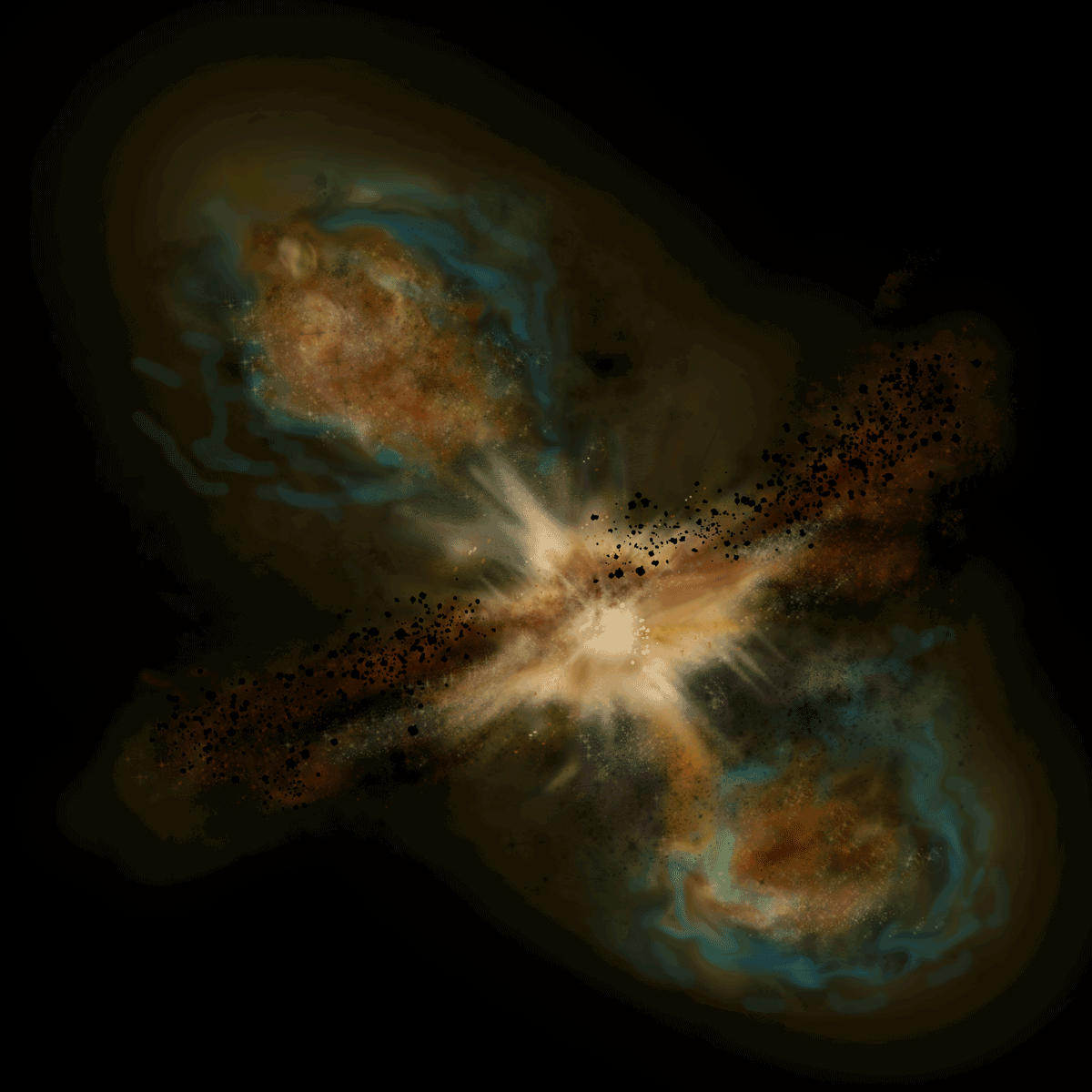
Observation view of the Astrophysical Jet after spreading 22 antennas across the LEGO table.
I illustrated 44 frames per object, later reduced to 22 to match the number of antennas. Shown here: the final frame of each sequence.
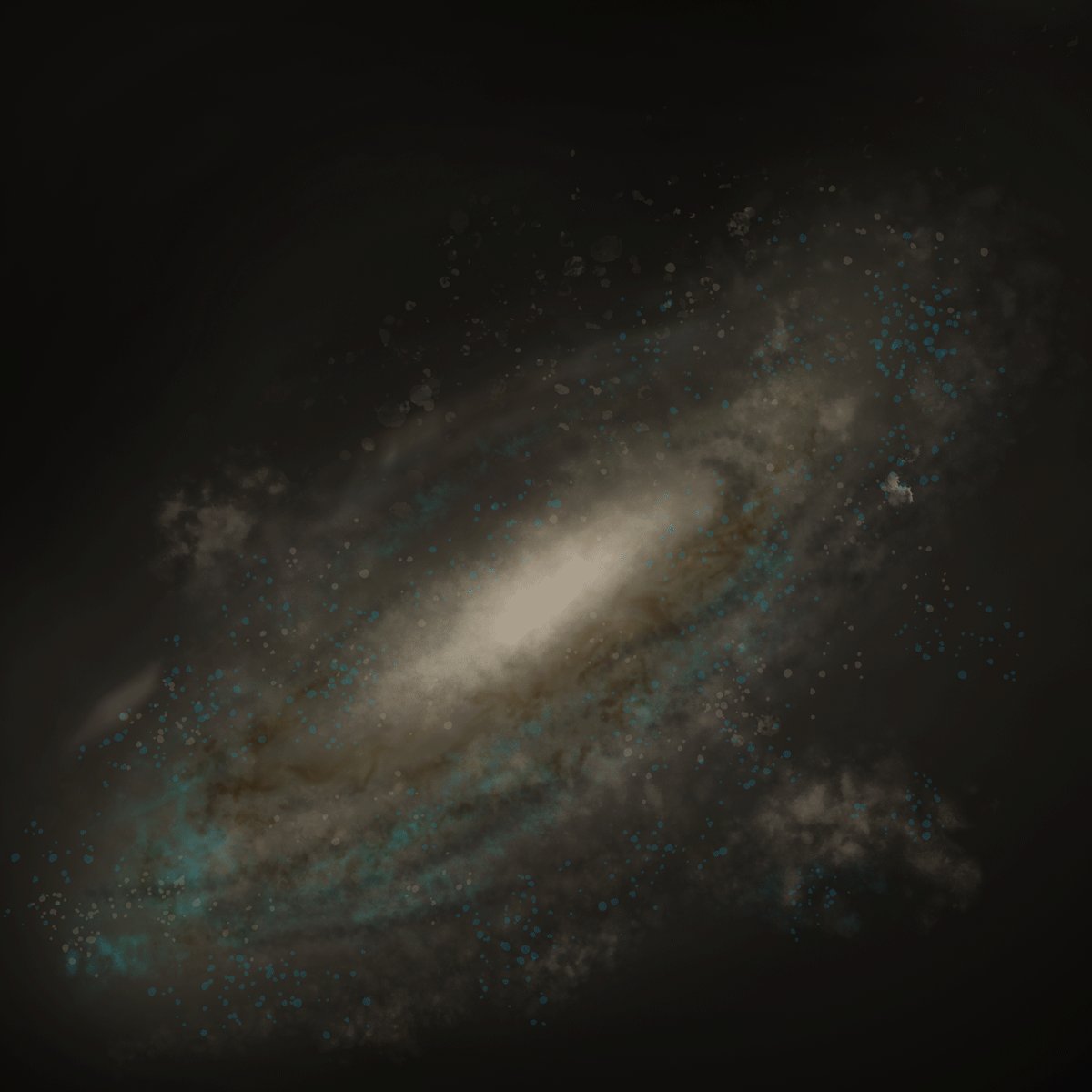
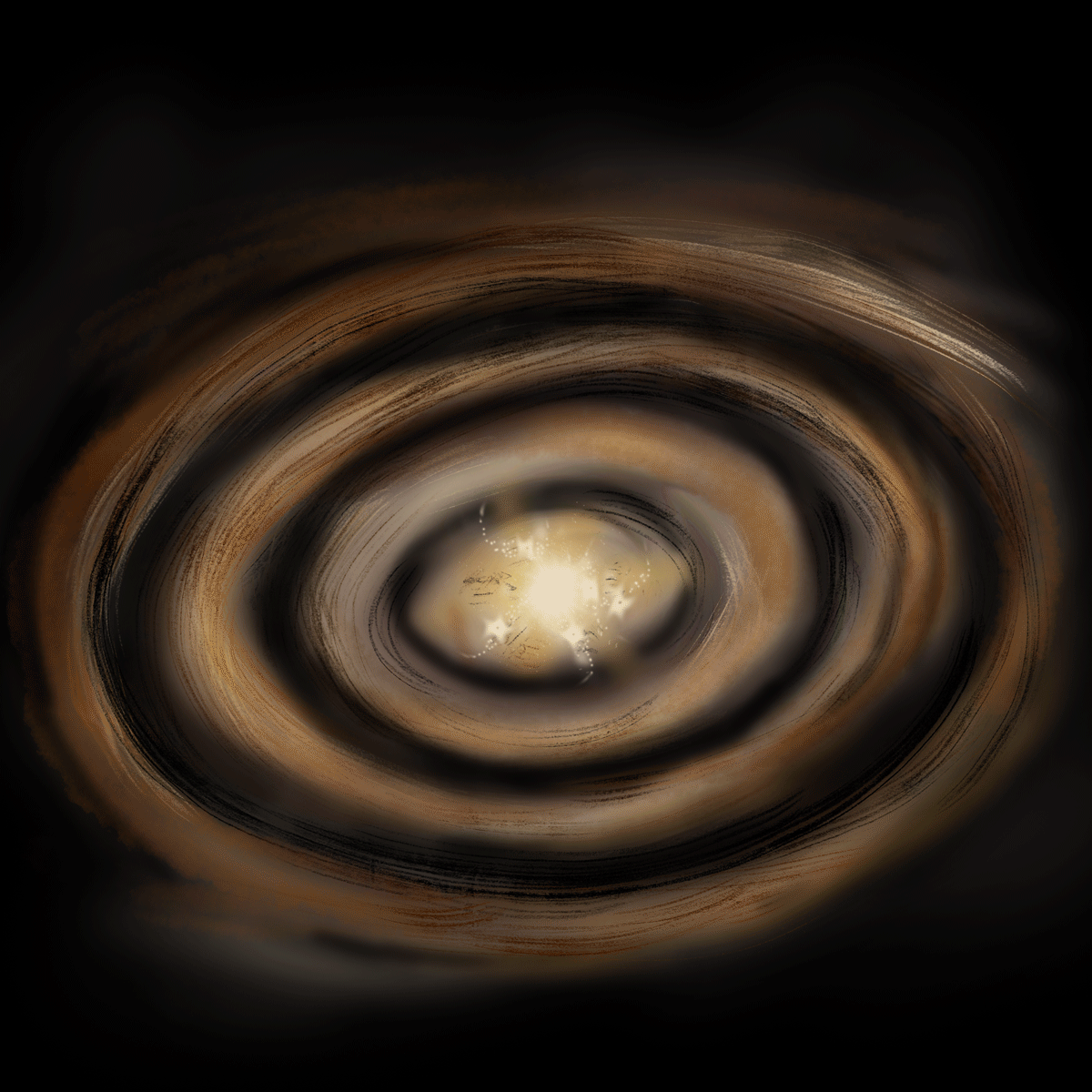
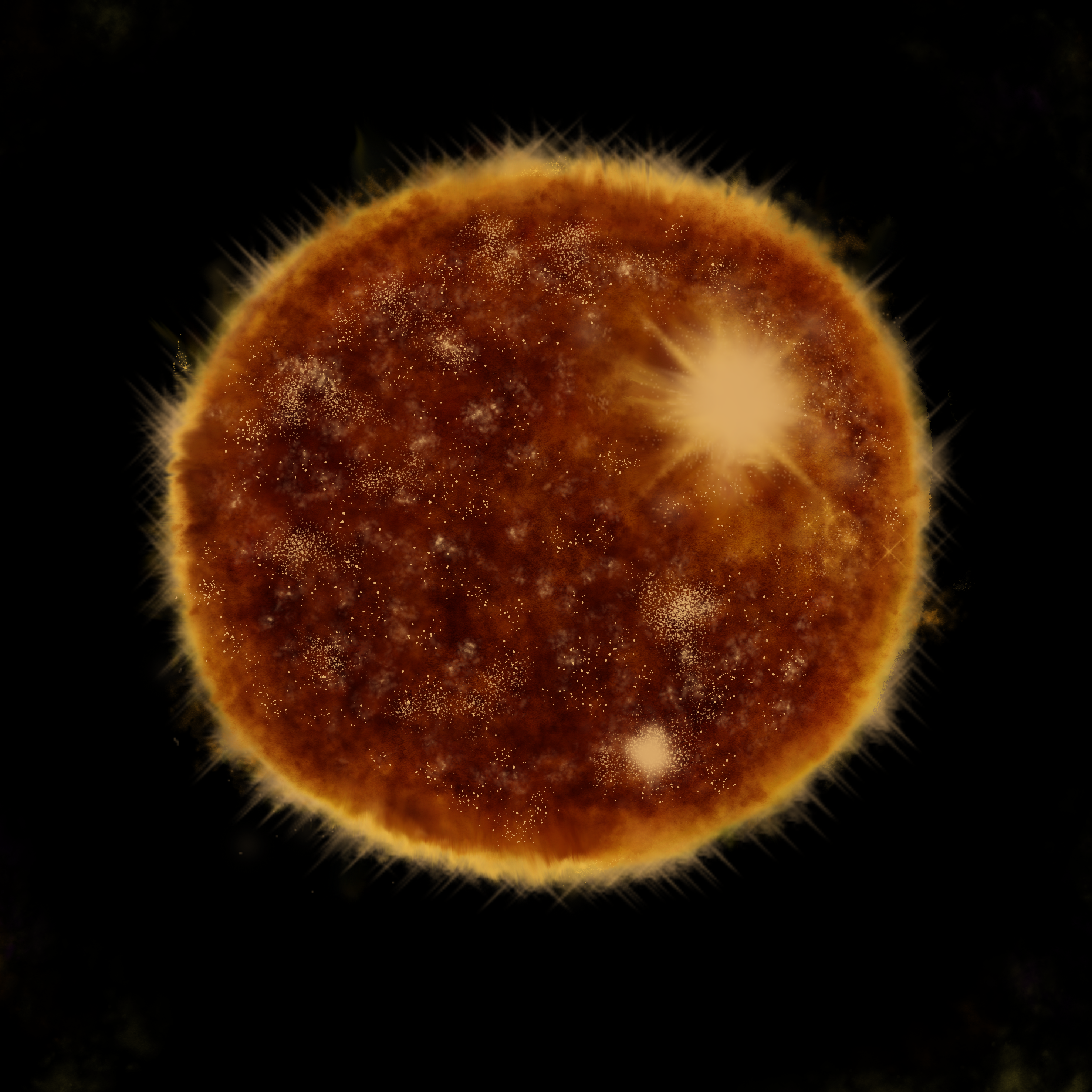
The final interface in Python
Tested through unassisted observation during three sessions with 9th-grade students. A background and text were added to the antenna-placement animation to make it easier to notice and understand.
From first step to last
- 1
Watch
See the idle video of ALMA.
- 2
Start
Press a physical button.
- 3
Choose
Select an astronomical object.
- 4
Place
Put antennas on the white sensors.
- 5
Observe
See the astronomical image change.
- 6
Experiment

Spread or group the antennas and compare the results.
Visitors no longer need a guide
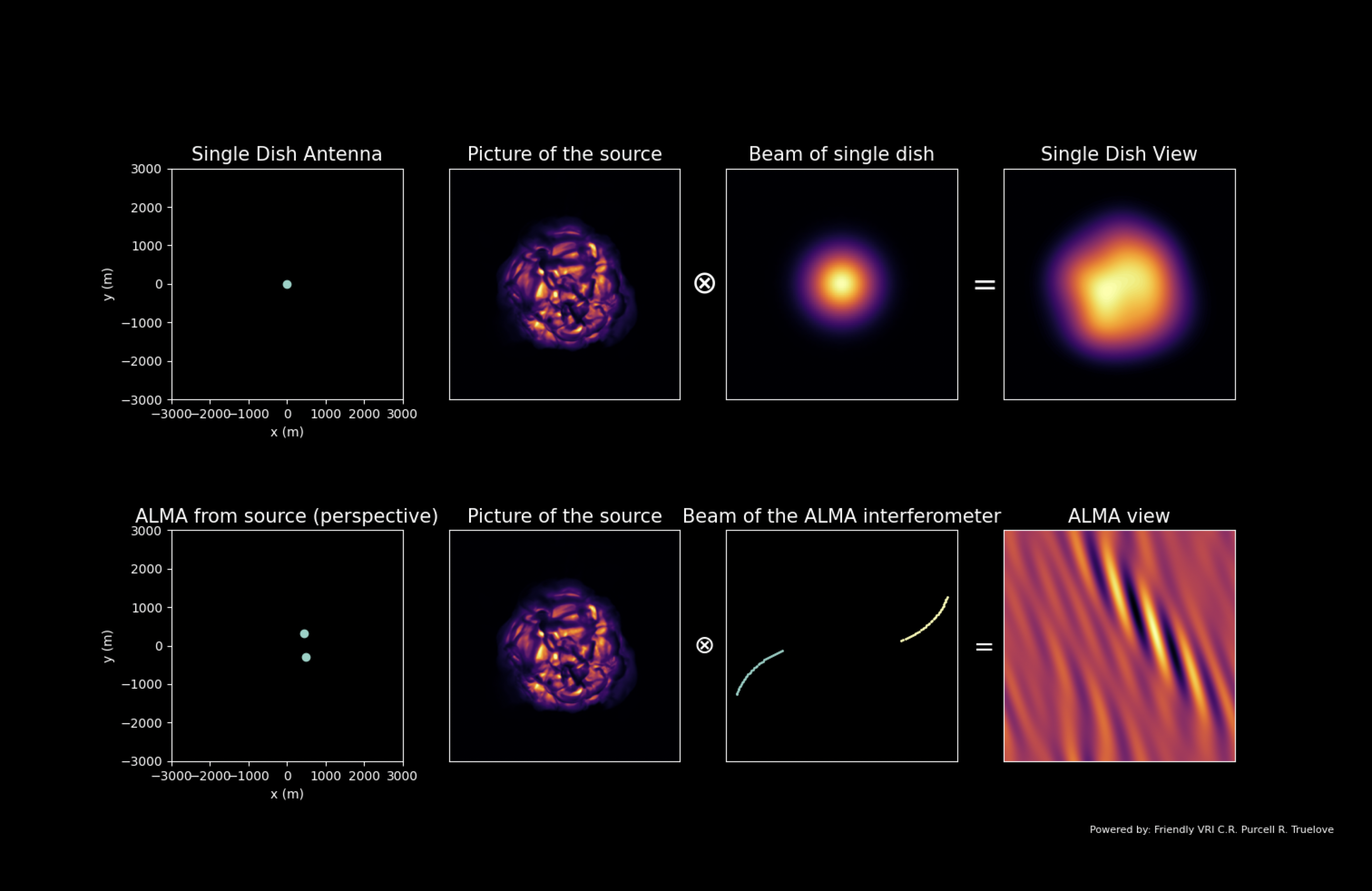
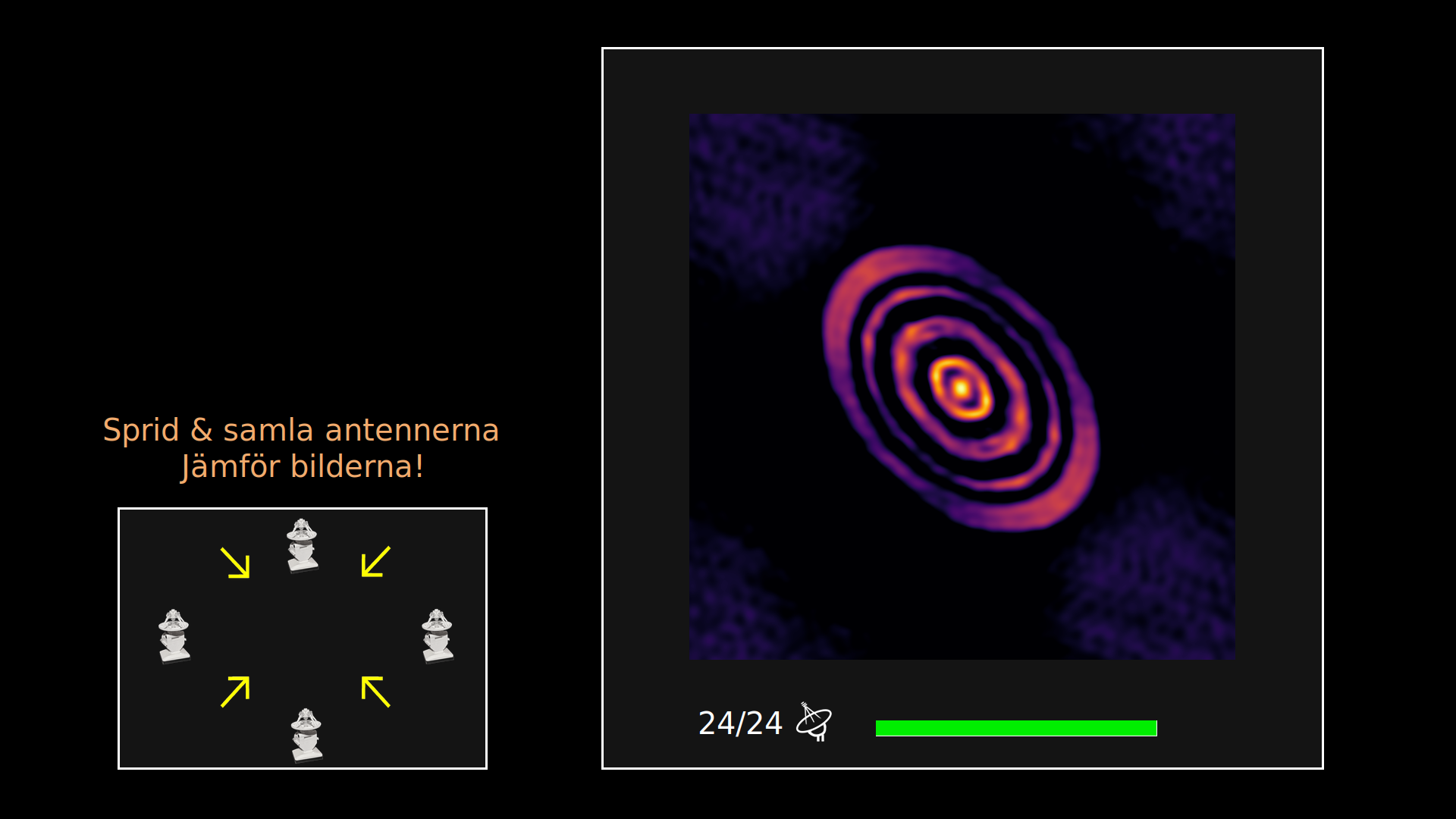
Before: a guide was needed to explain the graphs and get visitors started. After: an animated, feedback-driven interface lets visitors place antennas and understand the result on their own.
Six factors that made it easier to use
Answer to the research question — six key factors identified across the testing rounds
Reduce information overload
Removing unnecessary information improved accessibility and supported learning.
Audio feedback
Increased engagement and guided attention to digital feedback.
Balance resources
Fewer physical elements encouraged exploration.
Connect input & output
Same line of sight made interactions easier to understand.
Animation with text
Pairing them made concepts land better than either alone.
Physical–digital coherency
Complementary action and feedback made cause and effect easier to read.
Remove, place, explore
Video: The installation in action
A demonstration recorded after completing the thesis, showing me interacting with the redesigned LEGO ALMA installation.
Video: Introducing the ALMA radio telescope
A video that plays on the installation’s screen when not in use, introducing the ALMA radio telescope and encouraging visitors to explore the installation.
What stayed unsolved
Two things stayed unsolved: the physical buttons sit too far from most visitors' hands to reach comfortably, and users have to keep moving their heads between the board and the screen, missing feedback in between. Worth testing next: buttons set flat on the board, and a screen positioned lower and closer.
Download the full thesis (PDF)